notion-bg-gen
Mesh-gradient cover images for Notion pages, from a terminal UI or a one-line command.

In one line
That opens the terminal UI without installing anything permanently. Type a
title, press S, and the cover appears in covers/.
Two ways to use it
The terminal UI is the default. Run notion-bg with no arguments and you
get an interactive app: type a headline, switch palettes and styles, watch the
preview update, save when it looks right.
The command line does the same job in a script. Every control in the UI is a
flag, output can be JSON, and --seed makes any cover reproducible.
What it produces
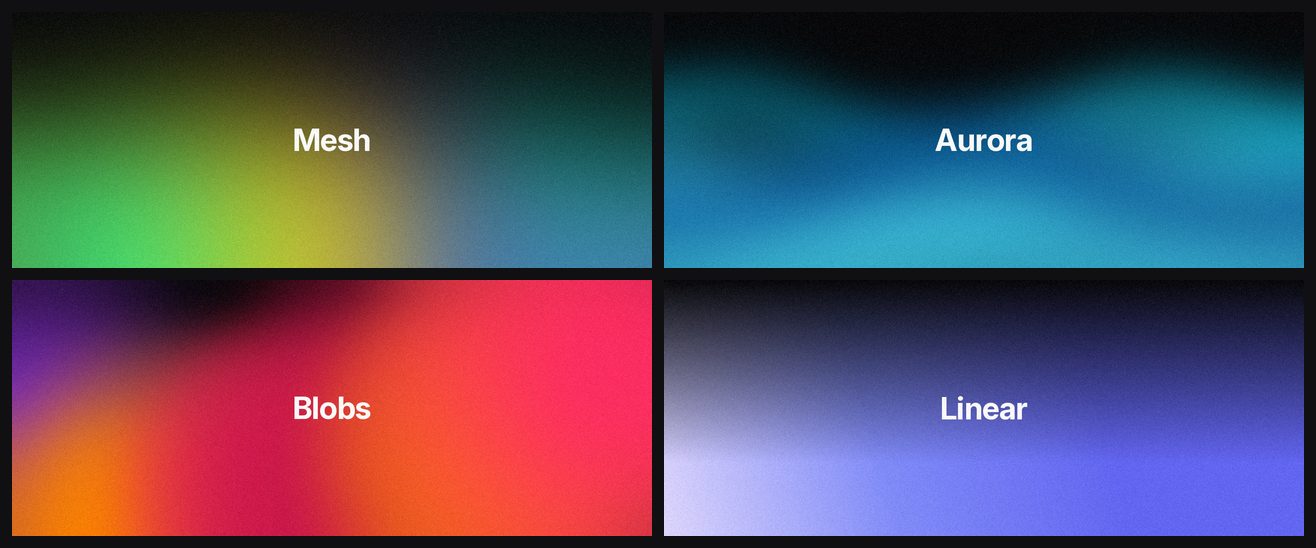
Images sized for Notion page covers, defaulting to 3000 x 1200 - Notion's documented 1500 x 600 minimum at twice the resolution, so it stays sharp on a HiDPI display.
Where to go next
- Installation - every platform, written for people who do not spend their day in a terminal
- Quickstart - your first few covers
- CLI reference - every command and flag
- Configuration - your own palettes and themes
- Automation and agents - scripting and JSON output